2. Installing codonPython
Requirements
This software may be directly installed onto your machine or be available via an alternative platform e.g. anaconda.
-For NHS Digital staff this may need downloading via ZENworks, a resolveIT or on a virtual machine.
- Open a command prompt and enter the following:
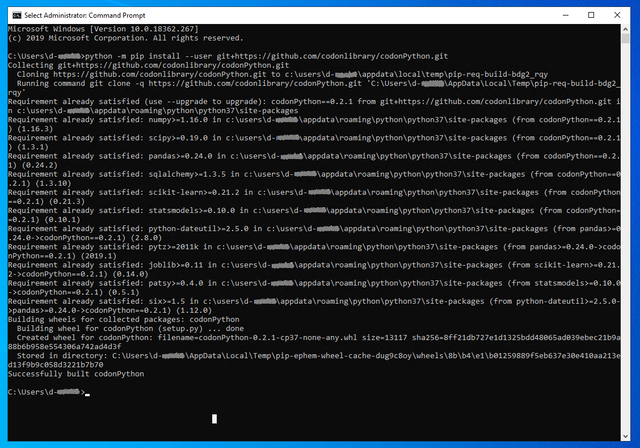
python -m pip install --user git+https://github.com/codonlibrary/codonPython.git
It should start to load and look something like this [click image to enlarge] :
- Import whichever function you wish to use.
Example:
Here is an example of importing and using the suppress_value function:

Common Errors
If you see an error like this, you may not have python installed correctly. Try following the instructions here to set your PATH correctly.

If you see an error like this you may not have git installed correctly.

If you see an error like this, you may not have pip installed correctly.

*Images may be blurred to hide identifiable information
If you have any issues please email codon.library@nhs.net.