This repository was archived by the owner on Aug 8, 2023. It is now read-only.
This repository was archived by the owner on Aug 8, 2023. It is now read-only.
symbol-z-order not respected when symbols are rendered at different coordinates #13490

Description

Steps to reproduce
- Pull down symbolzorder-example (symbolZOrder example ios-sdk-examples#245) branch in the ios-sdk-examples app.
- Run the app and open the ObjC/Swift version of the
Specify z order of features in a symbol layerexample. - Try switching between the two options presented in the toggle at the bottom of the screen.
Expected behavior
The icons are arranged in the proper order depending on the symbol-z-order.
Here is a GL JS example (uploaded as a zip because it includes images) that contains two files - one where the symbol-z-order is set to source, and another viewport-y. You'll see the z-order of the shapes changes as expected.
Actual behavior
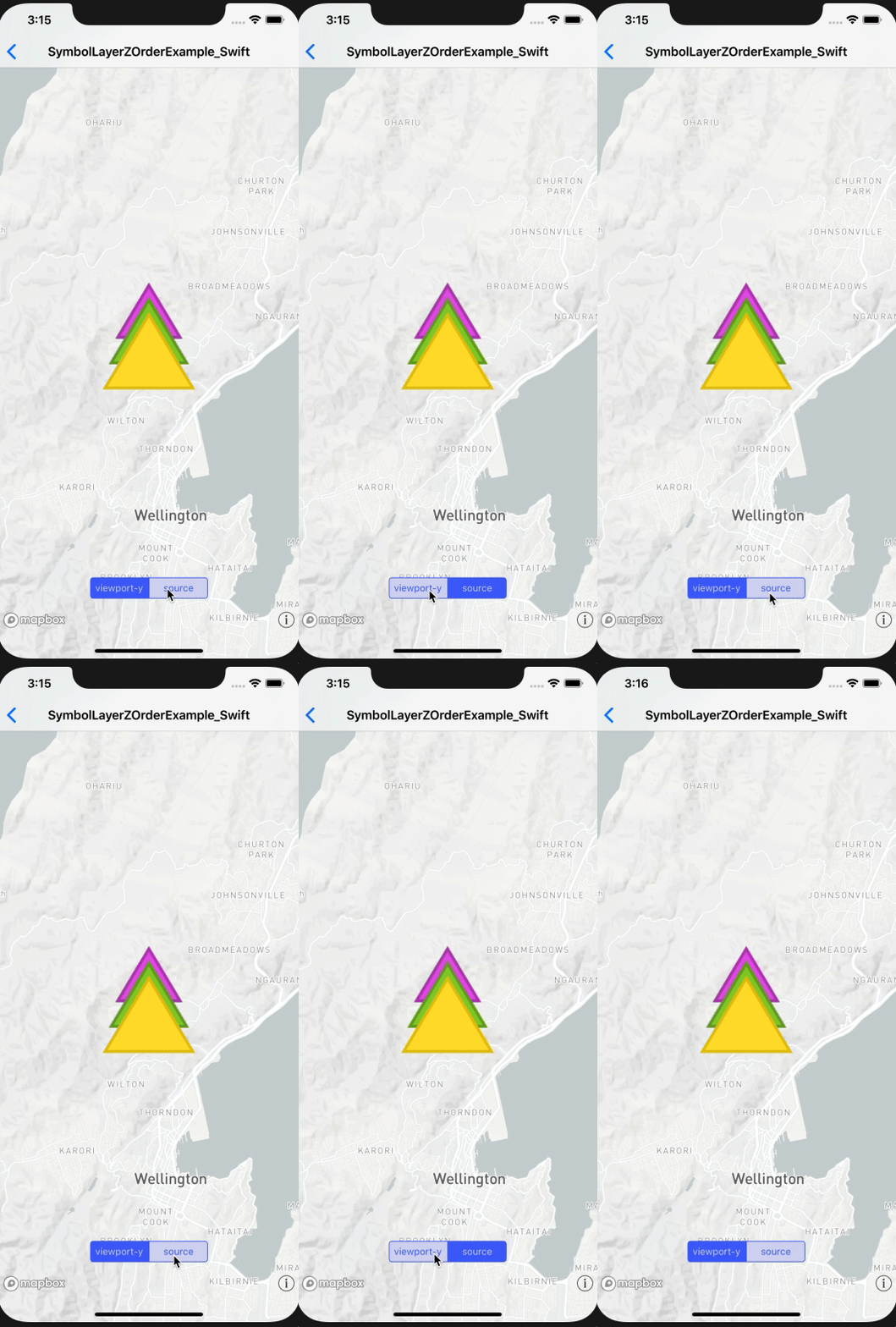
The icons stay in the same arrangement (z-order).
GL JS
source

viewport_y

iOS
Configuration
Mapbox SDK versions: 4.5.0
iOS/macOS versions: iOS 12.1
Device/simulator models: iPhone XS Max
Xcode version: 10.1