VSCode extension to explore and query SQLite databases.
No requirements
sqlite3 installed in the system or sqlite3 binaries (at least version 3.9) that include the command line interface.
The extension will first look for the sqlite3 command (or the command/path specified in the sqlite.sqlite3 setting), if not found it will fallback to the binaries in this extension's bin folder.
-
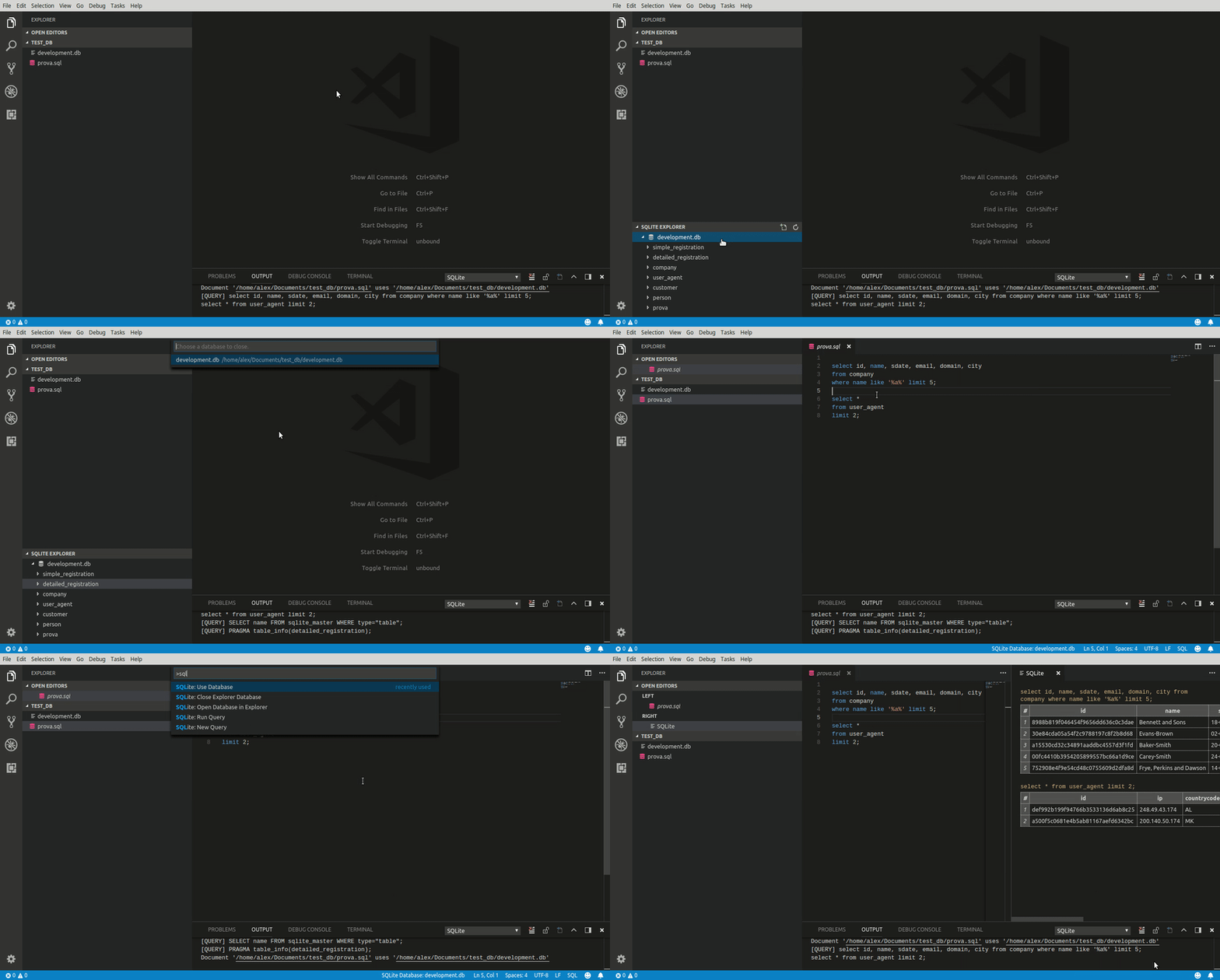
Query SQLite3 databases and view results in a table.
-
Export query results to
jsonandcsv. -
Sidebar explorer: list databases, tables and columns.
-
SQLite: New Query Create new untitled
sqlfile. -
SQLite: Run Query Execute query script in the editor.
-
SQLite: Quick Query Choose a database and execute a query without creating a new
sqldocument. -
SQLite: Use Database Bind current
sqldocument to the selected database. -
SQLite: Open Database in Explorer Open the selected database in the sidebar explorer.
-
SQLite: Close Explorer Database Remove the selected database from the explorer.
-
"sqlite.sqlite3": <string>sqlite3 command or binaries path. -
"sqlite.autopick": <boolean>Autopick database when there is only one choice. -
"sqlite.logLevel": <string>Set output channel log level (DEBUG, INFO, WARN, ERROR). -
"sqlite.recordsPerPage": <number>Number of records to show per page. (-1 to show all records). -
"sqlite.outputBuffer": <number>Query output buffer in bytes.
No known issues for now.