Automation tools for lazy developers.
Less routine, more coding!


Supported Languages:


Supported Package Managers:


- Video example
- Status
- Introduction
- Features
- Future Features
- Roadmap
- Install using Packer
- Install using Lazy
- Avaible in
- Usage
- Plugin History

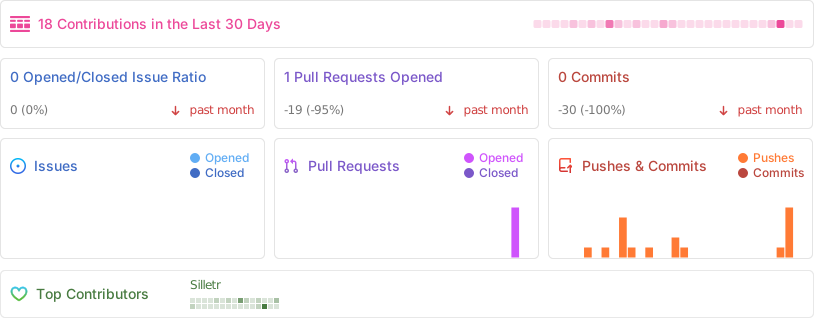
Want to see status of plugin at any day? Thats file for u
Have you ever found yourself adding multiple dependencies to your code before installing them? Do you hate switching between your editor and terminal for installing libs? 🤔
LazyDevHelper solves this problem! It's a Neovim plugin that lets you manage Python dependencies directly from your editor, eliminating the need to switch to the terminal. And plugin have Discord channel from now
-
- ✨ Install Python, Lua, Javascript, Ruby, Rust packages directly from Neovim,
-
- ✨ Manage dependencies without leaving your editor,
-
- ✨ Compatible with modern Neovim configurations
(As of 20.10.25 8:14 PM its list clear, i`ll do just small fixes, maybe)
- (1:01, 21.10.2024) - will be added installing libs right from requirements.txt for python, or from Cargo.toml ([Dependencies] block on corresponding file) <- Completed in 21.10.2025 15:00
If you wanna to see roadmap for 2026 and current year (2025, if you forget) - this for you: Go to Roadmap.sh
- vim.org
- dotfyle.com
- Awesome-NeoVim
- Neovim Craft
- Store.nvim (from recently)
  use {
    'Silletr/LazyDevHelper',
    config = function()
      require("LazyDeveloperHelper")
    end
  }
Then: :PackerSync
return {
    "Silletr/LazyDeveloperHelper",
    config = function ()
        require("LazyDeveloperHelper").setup()
    end
  }
Then: :Lazy sync

Example output:


![@deepsource-autofix[bot]](https://avatars.githubusercontent.com/in/57168?s=64&v=4)
![@deepsource-io[bot]](https://avatars.githubusercontent.com/in/16372?s=64&v=4)